
- Follow the same scheduling steps for each of the selected dates and times. (See "How do I schedule a webcast?")
- Complete the Asana Webcast Request form using the date and time of the FIRST webcast
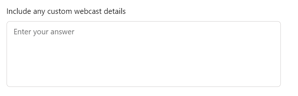
- Input the remaining webcast dates and times when you see the Custom Details question
Example:
- The title of your Asana Card will read COMPANY NAME - TITLE of Webcast - date 1 @time, date 2 @time, date 3 @time, etc.
- The tasks that are necessary will be created and assigned for each date/time by the WEM.
Example:
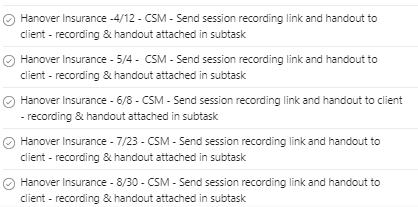
- Verify all dates are correct and alert WEM of any changes.